Include
The include keyword allows CES to load external libraries created in c#.
Unlike import, which loads CES files, include is used to extend the language with native features compiled as DLL libraries.
This allows developers to create custom classes, properties and functions using C# and make them available inside CES scripts.
Syntax
The .dll extension is optional.
⚠️ Important
Creating CES libraries in C# currently requires direct interaction with the CES execution engine.
This means that library development may be more complex than writing standard CES code.
The current system provides full flexibility, but it is recommended for advanced users familiar with C# and CES internals.
Future versions may include helper tools to simplify this process.
For developers creating custom libraries, it is recommended to use the structure and implementation style available in the CES base library source code:
👉 CES.Core reference implementation: GitHub repository
How to create a library in C# (tutorial)
Creating a library in Visual Studio 2022
To create a CES external library, the recommended IDE is :contentReference[oaicite:0]{index=0}.
Follow these steps:
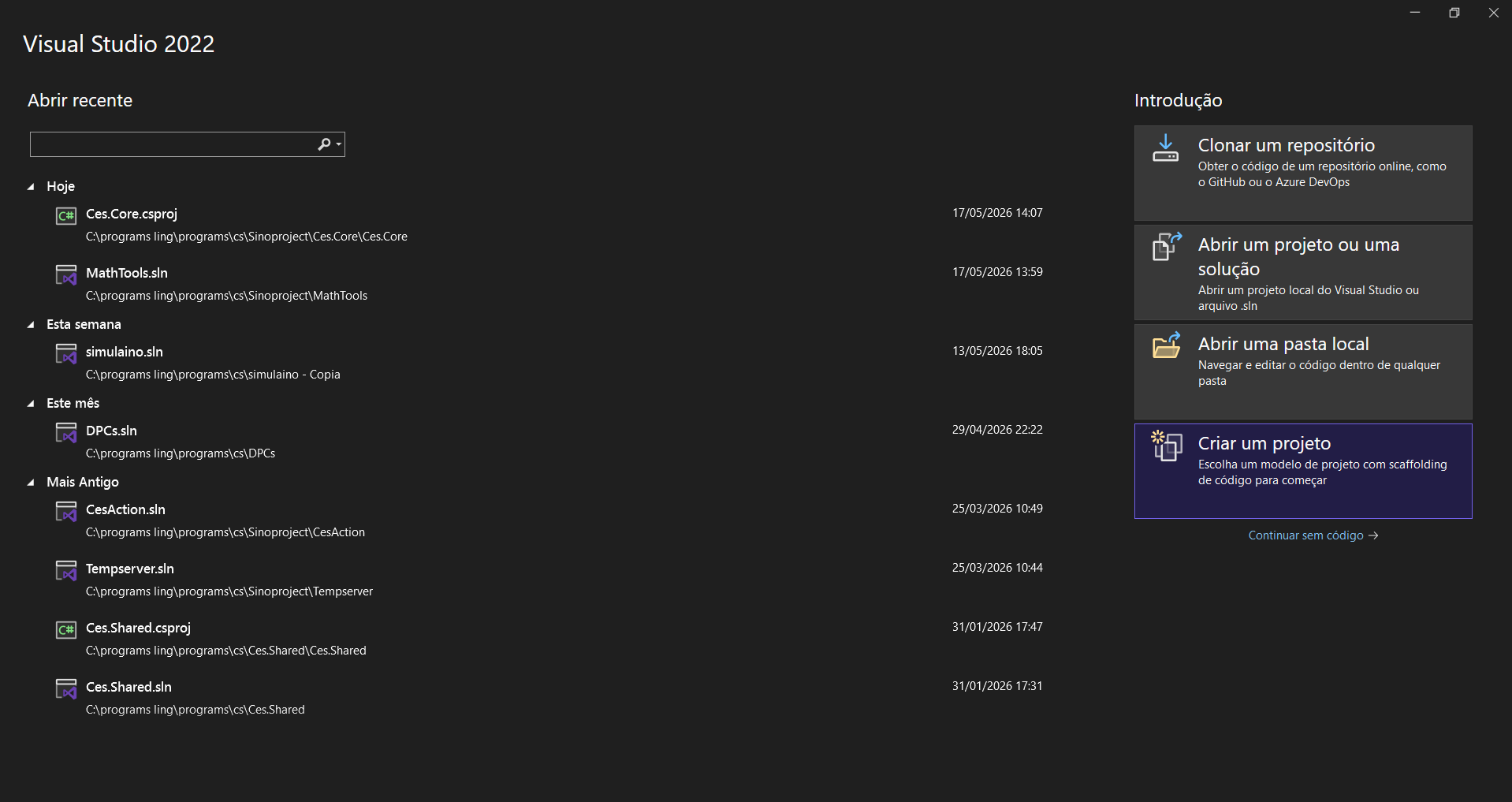
- Open Visual Studio 2022.
- Click Create a new project.
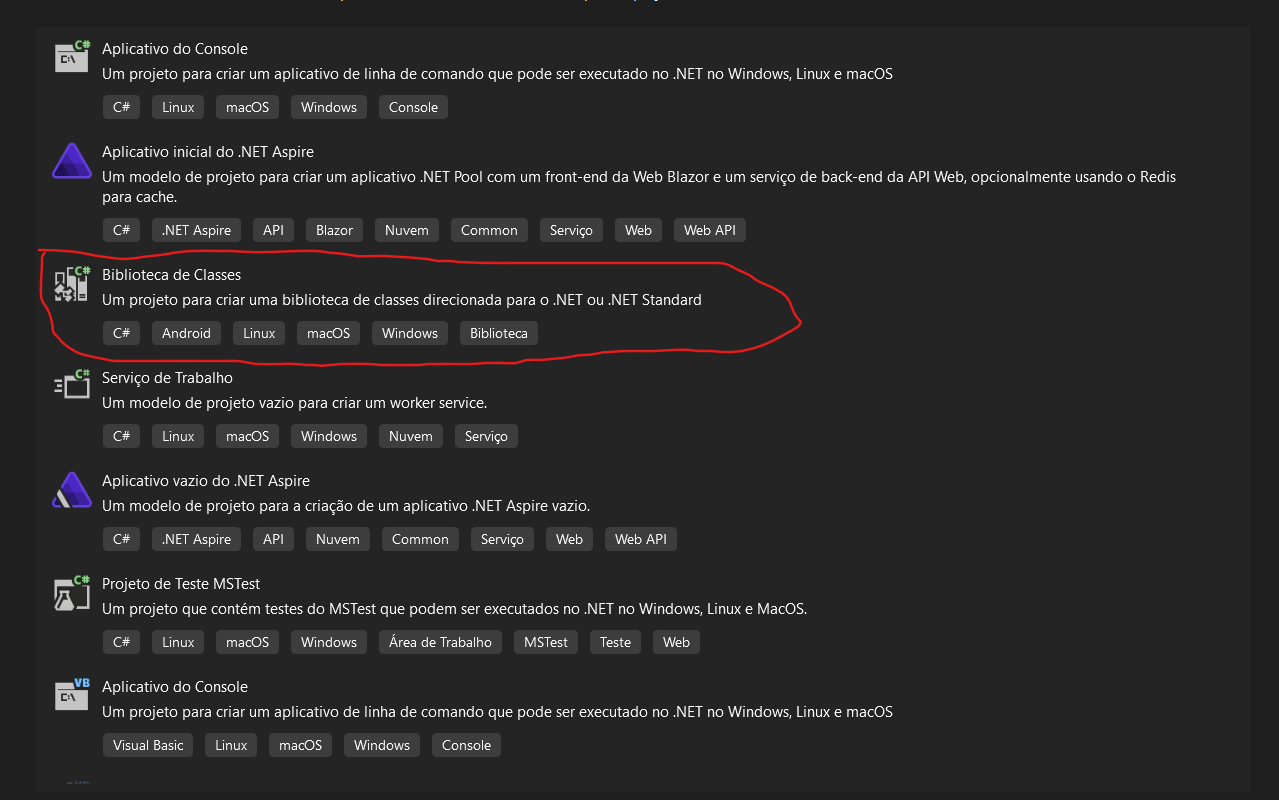
- Select Class Library.
- Choose a name for your library.
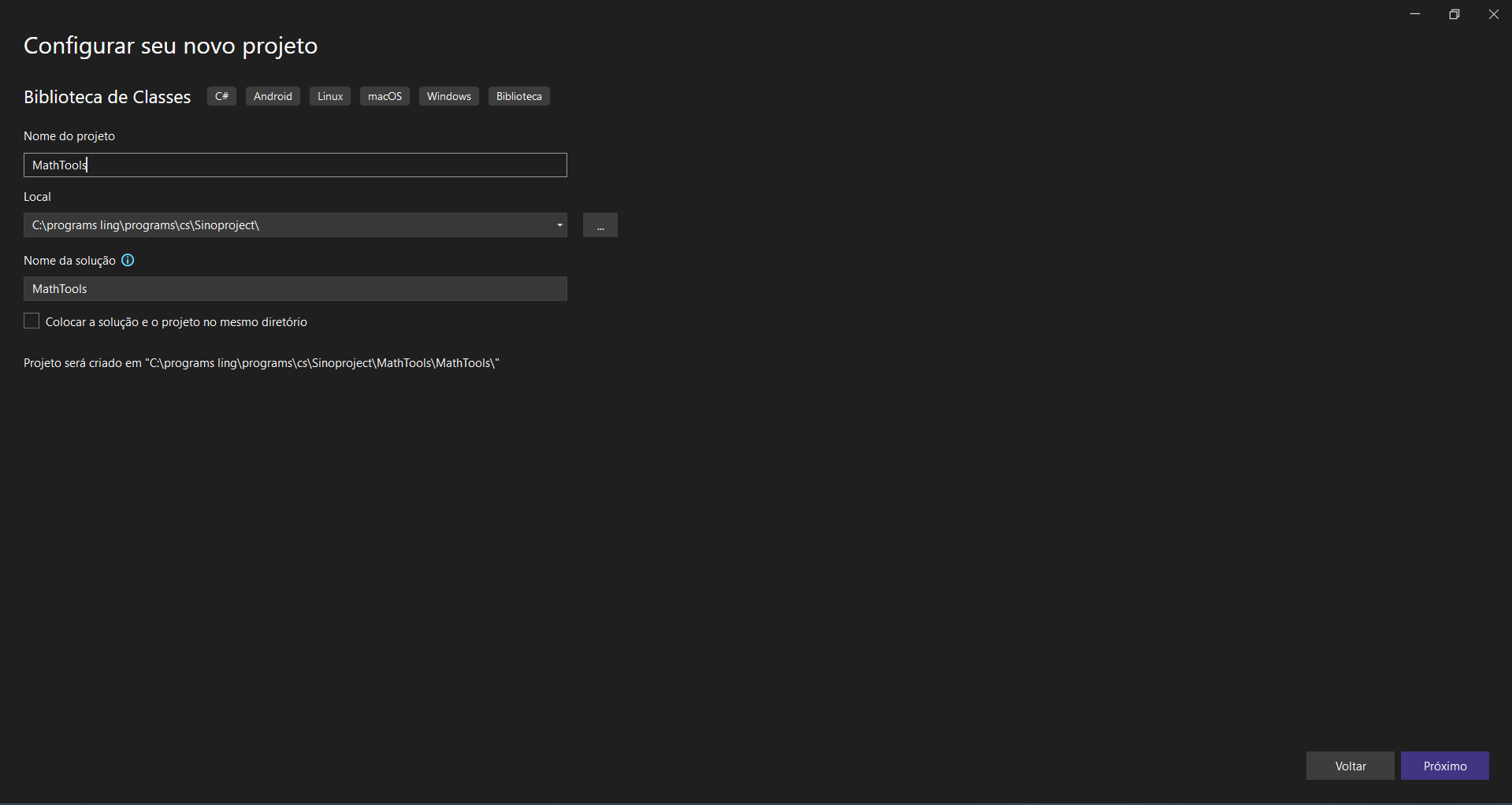
- After the project is created, rename the default generated class to match your library name.
- Add the NuGet package "Ces.Core" to your project. (
dotnet add package Ces.Core --version 0.1.0) - Implement the
ICesLibraryinterface. - Build the project to generate the DLL.
Example structure:
public class CircleArea(CexGlobalContext gctx) : Node(gctx)
{
    public override void Bind()
    {
        //***used for syntax or single execution***
    }

    public override Task Execute(CexExecutionContext ctx)
    {
        TyVariable? variable = ctx.GetVariable("Ray");
        var radius = variable?.Value.ToFloat(Global_Context);
        if (radius == null) throw new CesexecutionException(Global_Context, "error in the radius parameter");
        ctx.PopReturn(new CesFloat(3.14159f * radius * radius));
        return Task.CompletedTask;
    }
}
public class MathTools: ICesLibrary
{
    public string Name => "MathTools";

    public CesClassDefinition Create(CexGlobalContext gctx)
    {

        NodeScope myfuncscope = new(gctx);

        myfuncscope.Children.Add(new CircleArea(gctx));
        var cls = new CesClassDefinition("MathHelper", [], []);

        cls.Properties["pi"] =
            new DefProperty(
                Ces.Core.DSLs.Ces.Values.CesValueType.Float,
                "Pi",
                new LiteralNode(gctx,3.14159f));

        cls.Methods["AreaCircle"] =
            new DefFunction(
                Ces.Core.DSLs.Ces.Values.CesValueType.Float,
                "AreaCircle",
                [new TyParameter("Ray",Ces.Core.DSLs.Ces.Values.CesValueType.Float)],
                myfuncscope,
                []
                );
        return cls;
    }
}